

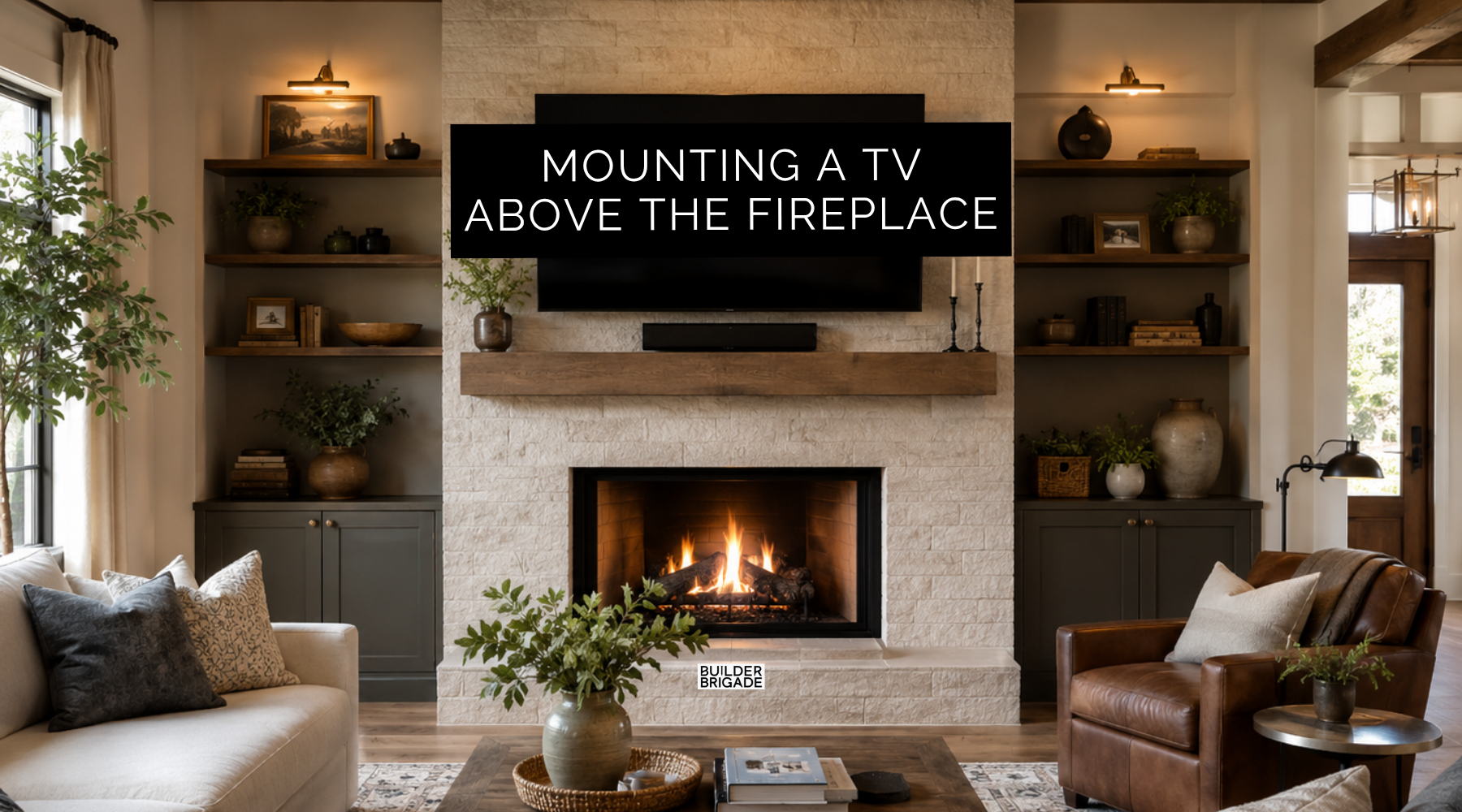
These are the top things to consider when having a TV mounted above the fireplace.

Run Conduit Behind the TV
This is probably the first thing I'd ask for.
Run conduit from behind the TV down into your built-in cabinet or wherever your receiver, game consoles, streaming devices, and other equipment will live.
The big benefit isn't just hiding today's HDMI cable. It's being able to pull a new cable years from now without cutting into drywall, stone, or whatever expensive material you put around the fireplace.
I'd have them leave a pull line in there too. That makes adding the next cable a whole lot easier.

Put an Outlet in the Mantel
If you're having a mantel, I'd seriously consider hiding an outlet in or near it.
Christmas garland, lights, and powered decorations makes that little outlet really useful.
Without it, you may end up running a cord up the side of your fireplace or trying to reach the outlet behind the TV.
Not exactly the look you were going for.

Put Blocking Where the TV Will Actually Go
Before drywall or stone goes up, tell your framer exactly where you're planning to mount the TV and ask about solid blocking.
That gives your TV mount a solid surface to attach to instead of hoping the fasteners land exactly where you need them later.
Take a picture of the blocking with a tape measure in the shot before they cover it. That photo could save you a lot of guessing later.

Don't Forget Your Viewing Angle
This is the one I'd spend some time on before committing to the fireplace design.
If the fireplace, hearth, and mantel push the TV too high, you're going to spend years looking up at it.
I'd lay out the fireplace height, mantel, TV size, and seating together instead of treating them as separate decisions. Measure the fireplace hearth height and TV viewing angle together because the fireplace design affects where the TV can comfortably sit.
A lower mantel or linear fireplace can sometimes give you more flexibility to bring the TV down, but your fireplace manufacturer’s clearance requirements still come first.

Use an Oversized Recessed Media Box
Here's another one I'd add while the wall is open.
Instead of having a standard outlet sticking out behind the TV, ask your electrician about an oversized recessed media box.
It gives you room for power, HDMI, Ethernet, and those obnoxiously bulky plugs that always seem to point in the wrong direction. It can also help the TV sit tighter to the wall instead of getting pushed forward by everything hiding behind it.
While you're there, I'd run Ethernet too. Hardwired internet gives you another option for reliable streaming instead of depending entirely on Wi-Fi.
Plan the Whole Wall Before They Cover It
The TV outlet is probably the one thing you'll remember.
It's the blocking, conduit, media box, mantel power, Ethernet, and viewing angle that are easier to miss.
I have hundreds of details like this organized by room and phase inside the Ultimate Home Building Checklist. You have so many decisions flying at you during a build, and the little stuff hiding behind the walls is usually what you need to remember first.